source : https://www.tecmint.com/customize-owncloud-theme/
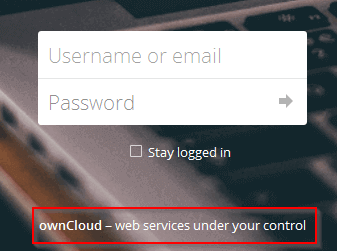
Beneath the login form, ownCloud presents at the footer of the login page some default text that you may want to change:
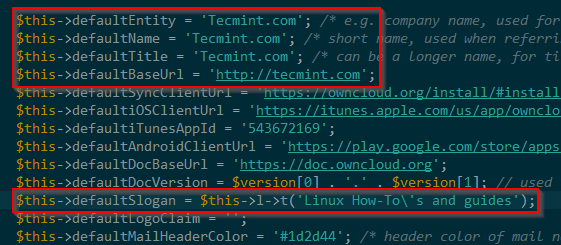
This page can be found under ownCloud’s installation directory in /lib/private/legacy/defaults.php. Go ahead and download this file with your FTP client and use your preferred Linux text editor to change the words as shown in the below image:
$this->defaultEntity = 'Tecmint.com'; /* e.g. company name, used for footers and copyright notices */
$this->defaultName = 'Tecmint.com'; /* short name, used when referring to the software */
$this->defaultTitle = 'Tecmint.com'; /* can be a longer name, for titles */
$this->defaultBaseUrl = 'https://tecmint.com';
$this->defaultSlogan = $this->l->t('Linux How-To\'s and guides');
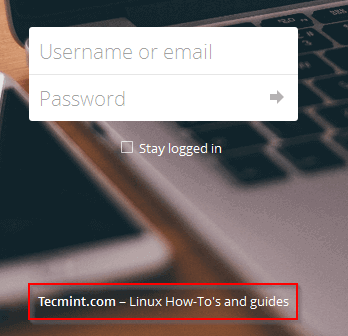
Upload the modified file and refresh the login page. The result should be similar to the following image: