source : https://www.tecmint.com/customize-owncloud-theme/
By default, the login page uses the following background image:
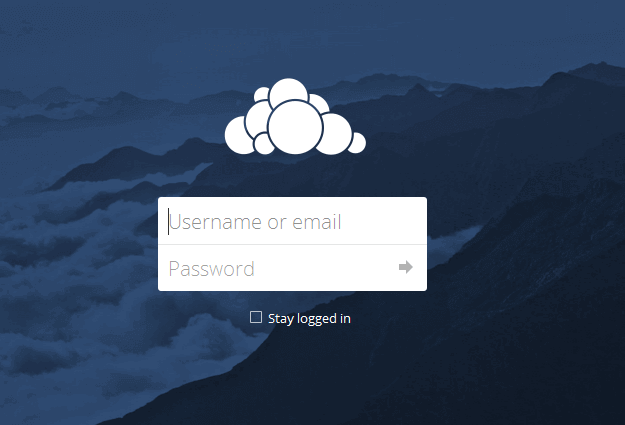
While the landscape does look good, this may not be the most accurate picture for a business’ private cloud storage login page. Feel free to browse the free collections available at Pexels or StackSnap until you find an image that better reflects your branding.
Once you have found a picture you like, use an online service to change its resolution and size. This is particularly important if you will be accessing your cloud storage using a slow Internet connection – you certainly don’t want to spend minutes waiting for the background image to load. Just google for resize image online and you will get plenty of useful resources to perform this task.
Next, we will browse (using the Linux command line or a FTP client) to the directory where ownCloud was installed.
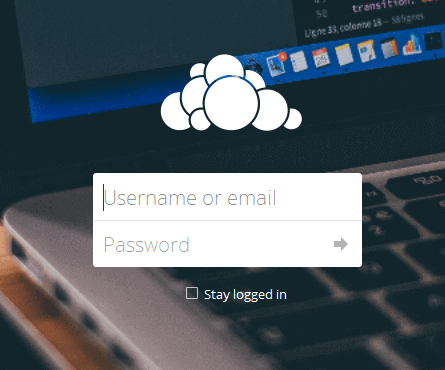
Inside the core/img directory you will find the background image (background.jpg). Rename it to background2.jpg and upload your new image as background.jpg, and you will see that it starts to look much better already (at least for a technical writing or developer business):